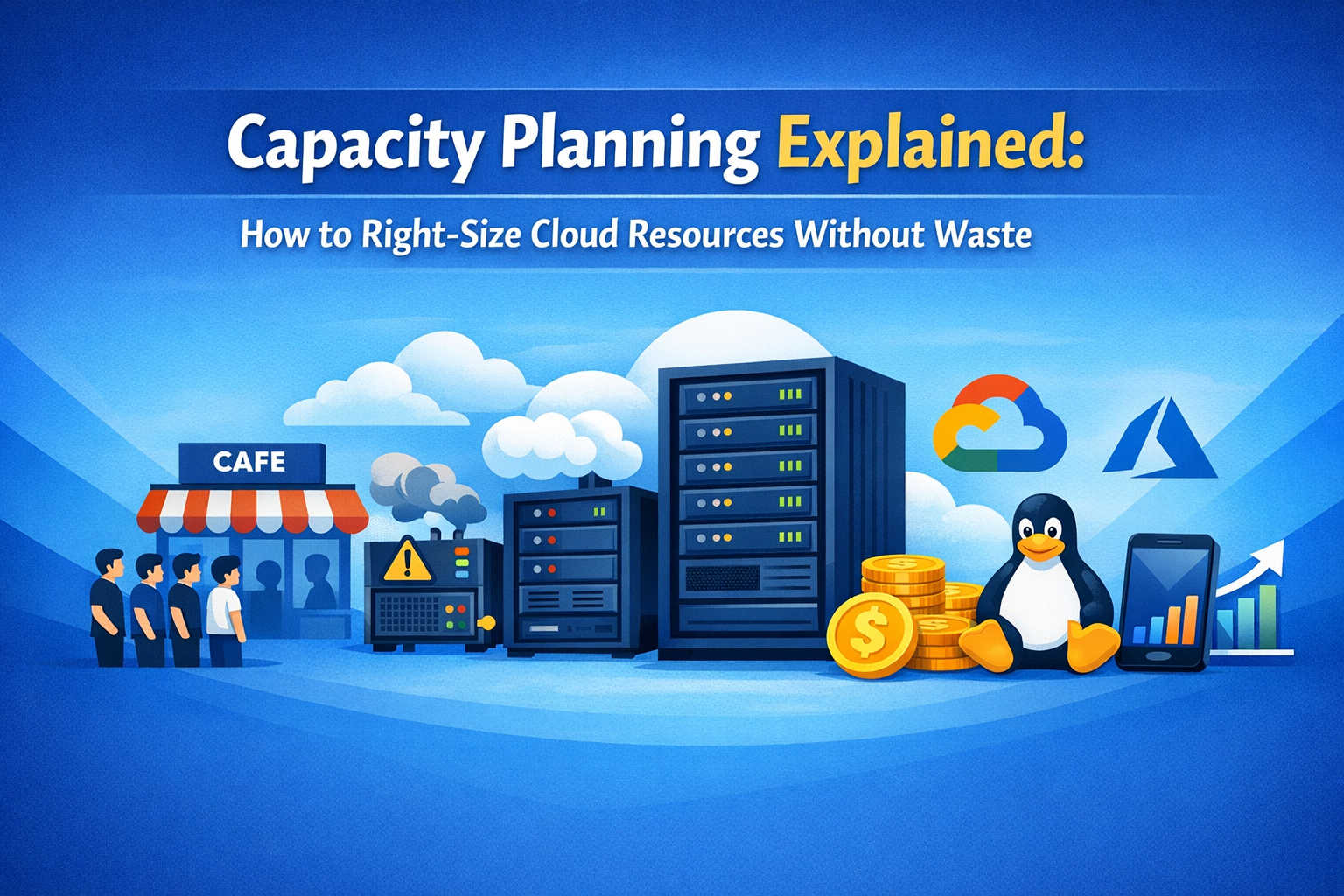
🚀 Introduction
In cloud systems, bigger is not always better.
Many beginners assume that choosing the largest server guarantees safety—but in reality, it often leads to wasted money.
This article explains capacity planning in simple terms and shows how to find the just-right size in cloud environments.
What you’ll learn:
- What capacity planning actually means
- Why it still matters in the cloud era
- Why “too small” and “too large” are both problems
✅ What Is Capacity Planning?
Capacity planning is the practice of deciding:
How much computing power is “just enough” for your system.
That includes CPU, memory, storage, and network capacity—enough to handle expected usage without overspending.
Why It Exists
Capacity planning aims to achieve three goals at the same time:
- ✅ Keep systems fast
- ✅ Avoid downtime and crashes
- ✅ Avoid wasting money
Balancing these three is the core challenge.
🍽 A Simple Analogy: A Restaurant
Imagine running a restaurant:
- Too few seats → long lines, angry customers
- Too many seats → wasted rent and utilities
The owner must decide the right number of seats.
That decision-making process is capacity planning.
❌ What Happens Without Capacity Planning?
When Capacity Is Too Small
- Your website becomes slow
- Traffic spikes cause downtime
- Users lose trust due to frequent errors
When Capacity Is Too Large
- Monthly cloud bills increase unnecessarily
- You pay for unused performance
- “Peace of mind” turns into financial loss
⚠️ In cloud computing, you pay for what you provision—oversizing is instantly visible on your bill.
🧭 When Capacity Planning Matters Most
Capacity planning is especially important when:
- Launching a blog or personal website
- Building or scaling a business service
- Preparing for campaigns or events
- Expecting sudden user growth
The key is to think about now and the near future, not an unrealistic worst case.
💡 Before the Cloud: A Prediction Game
Before cloud platforms existed, servers were expensive:
- Companies had to predict usage 3–5 years ahead
- Hardware was bought upfront
- Mistakes were costly
Results were often:
- Too small → emergency upgrades
- Too large → years of wasted resources
Cloud computing dramatically reduced this risk.
☁️ Capacity Planning in the Cloud Era
Modern cloud strategy is not about perfection from day one.
❌ Decide everything in advance
✅ Start small and adjust while running
A practical approach:
- Begin with minimal resources
- Monitor metrics (CPU, memory, traffic)
- Scale up only when needed
Capacity planning is no longer a one-time decision—it’s an ongoing process.
🚦 Even Professionals Miscalculate
Even large services experience traffic explosions due to:
- Viral content
- Media coverage
- Sudden social media attention
That’s why modern systems rely on:
- ✅ Automatic scaling
- ✅ Easy rollback and downsizing
Flexibility is just as important as raw capacity.
📚 References
Official Documentation
- AWS: Capacity Planning
https://aws.amazon.com/architecture/capacity-planning/ - Google Cloud: Scaling Concepts
https://cloud.google.com/architecture/scaling - Microsoft Learn: Performance and Capacity Design
https://learn.microsoft.com/azure/architecture/
Encyclopedia
- Wikipedia: Capacity Planning
https://en.wikipedia.org/wiki/Capacity_planning
🛠 Related Topics to Learn Next
- What Is Cloud Computing? (vs On-Premises)
Coming Soon
- Scale Up vs Scale Out Explained
- What Is Auto Scaling?
Scaling 101: How Modern Websites Stay Up During Traffic Spikes
- Understanding Cloud Pricing Models

Coming Soon
🎯 Final Takeaways
- ✅ Capacity planning means choosing the right size
- ✅ Too small causes slowness and outages
- ✅ Too large wastes money
- ✅ Cloud strategy: start small, adjust later
- ✅ Monitor metrics and grow gradually