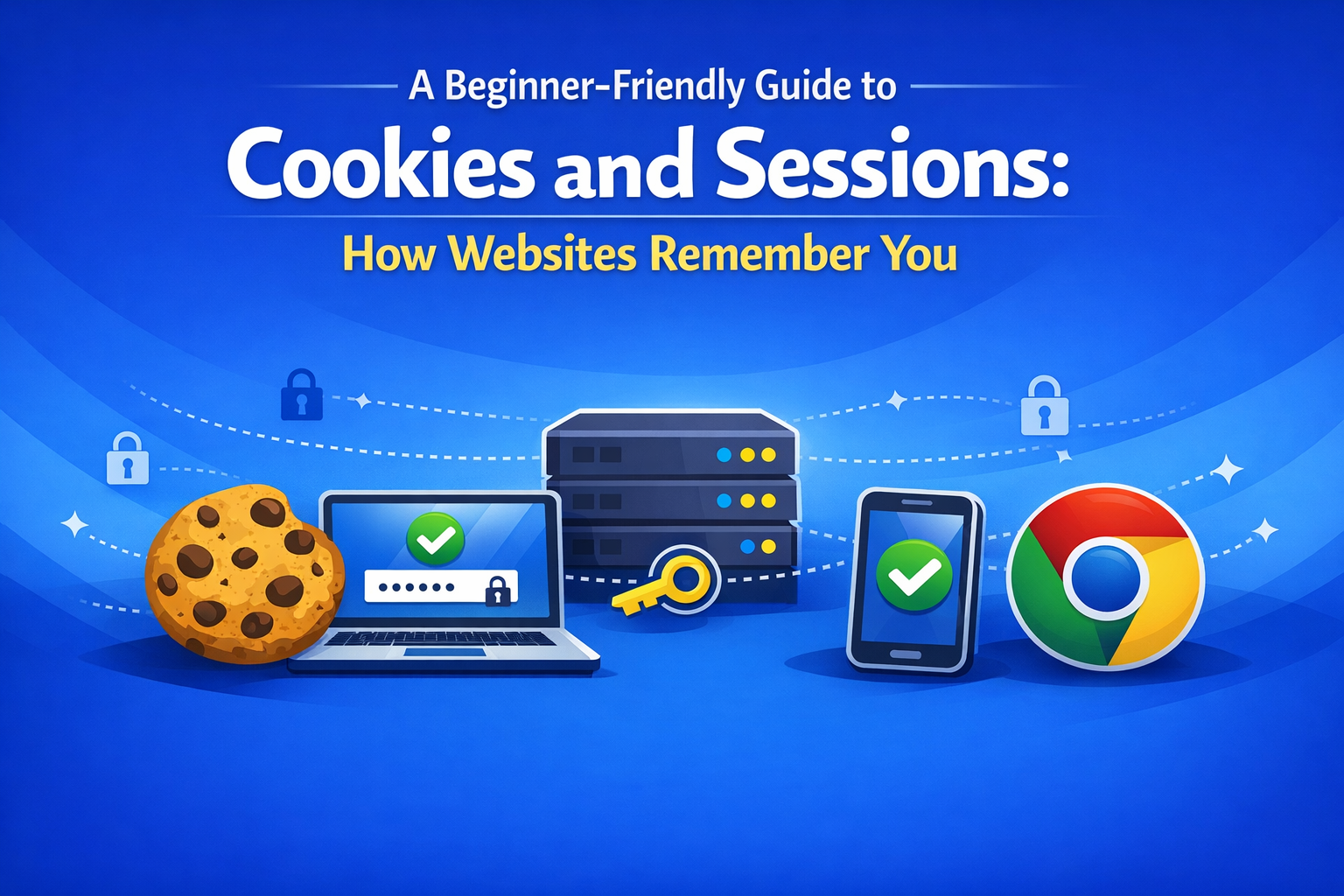
🚀 Introduction
Modern websites seem to “remember” who you are — whether you’re logged in, what’s in your shopping cart, or which theme you prefer.
But the web is stateless, meaning each request is independent.
So how does a website keep track of you?
This guide explains Cookies and Sessions in a simple, beginner-friendly way, using analogies that make the concepts easy to visualize.
✅ Quick Overview
What Is a Cookie?
Think of a cookie as a tiny note stored in your browser.
Websites don’t automatically know who you are.
So they hand your browser a small piece of text — a cookie — that helps identify you on future visits.
Key points:
- Stored in your browser
- Contains small text data
- Automatically sent to the website on each request
What Is a Session?
A session is like your personal locker on the server.
When you log in, the server creates a session and stores information such as:
- Your user ID
- Your login status
- Temporary settings
Each session is identified by a session ID, which acts as the key to your locker.
How Cookies and Sessions Work Together
Cookies and sessions are often used as a pair:
- You log in
- The server creates a session (locker)
- The server sends your browser a session ID (key) inside a cookie
- On your next request, your browser sends the cookie
- The server checks the key and restores your login state
In short: Cookie = key, Session = locker.
What Happens Without Cookies or Sessions?
- You would need to log in every time
- Shopping carts would reset
- Websites couldn’t remember your theme or language
- The server couldn’t tell users apart
Because HTTP is stateless, websites need these tools to “remember” you.
🧩 Where Are Cookies and Sessions Used?
- Keeping you logged in (SNS, e-commerce, membership sites)
- Saving shopping cart contents
- Remembering theme or language settings
- Analytics tools (e.g., Google Analytics)
- Personalized ads (retargeting)
💡 Fun Facts & Useful Notes
🍪 Why Is It Called a “Cookie”?
The term comes from fortune cookies — small cookies with a message inside.
The idea of “a tiny note with information” inspired the name.
🔑 Why Session IDs Must Be Protected
A session ID is the key to your server-side locker.
If someone steals it, they can impersonate you.
Common protections include:
- HTTPS encryption
SecureandHttpOnlycookie attributes- Short expiration times
🧁 Cookies Can “Disappear”
Cookies have expiration dates.
When they expire — or if you manually clear them — websites may log you out or forget your settings.
📚 References
Official Documentation
- MDN Web Docs — Cookies
https://developer.mozilla.org/ja/docs/Web/HTTP/Cookies - MDN Web Docs — Session Management
https://developer.mozilla.org/ja/docs/Web/HTTP/Session - MDN Web Docs — HTTP Overview
https://developer.mozilla.org/ja/docs/Web/HTTP/Overview
Wikipedia
- HTTP Cookie
https://ja.wikipedia.org/wiki/HTTP_cookie - Session Management
https://ja.wikipedia.org/wiki/セッション管理
🛠️ Related Topics to Explore Next
- How HTTP Works (Statelessness Explained)
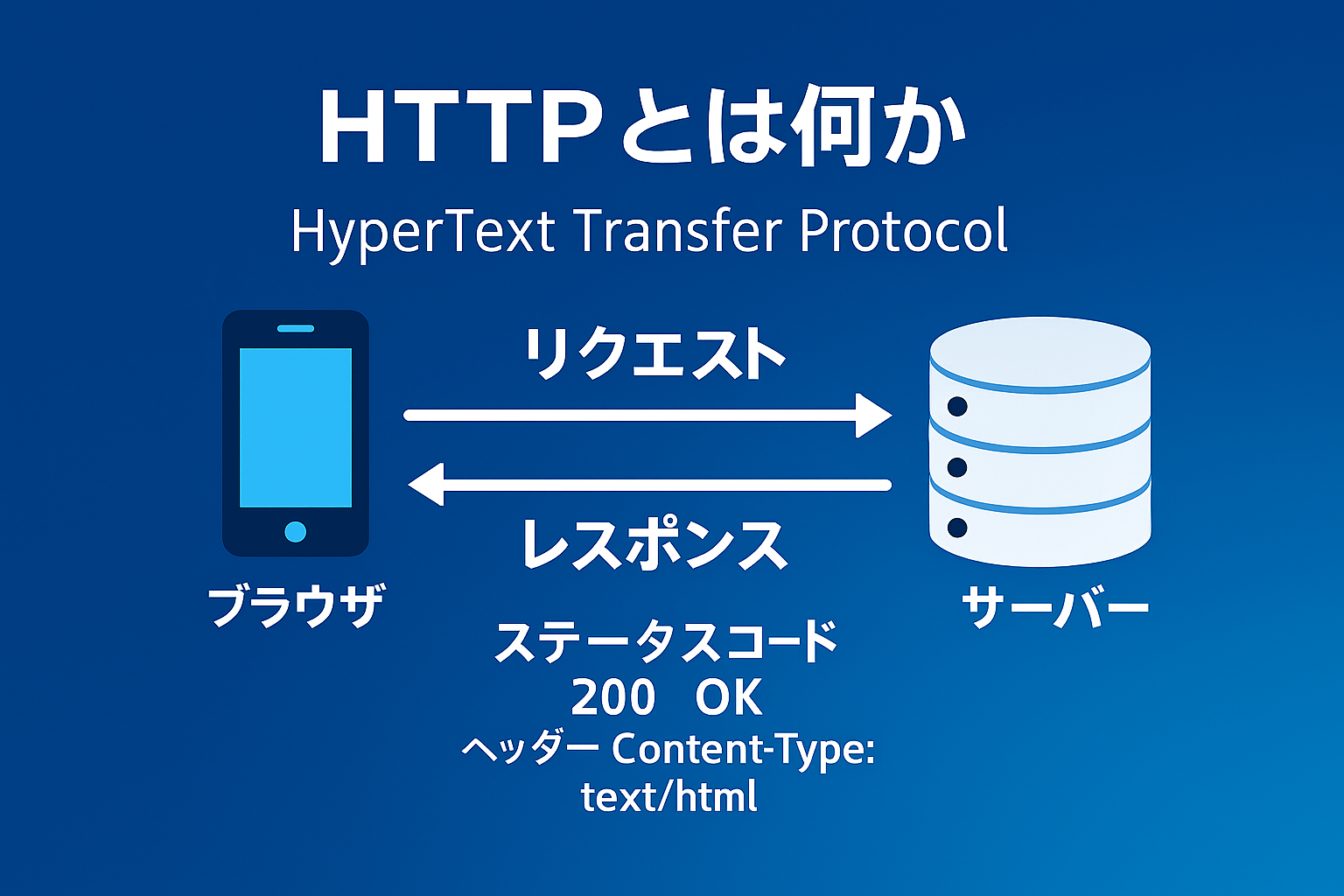
Coming Soon
- HTTPS and Web Security
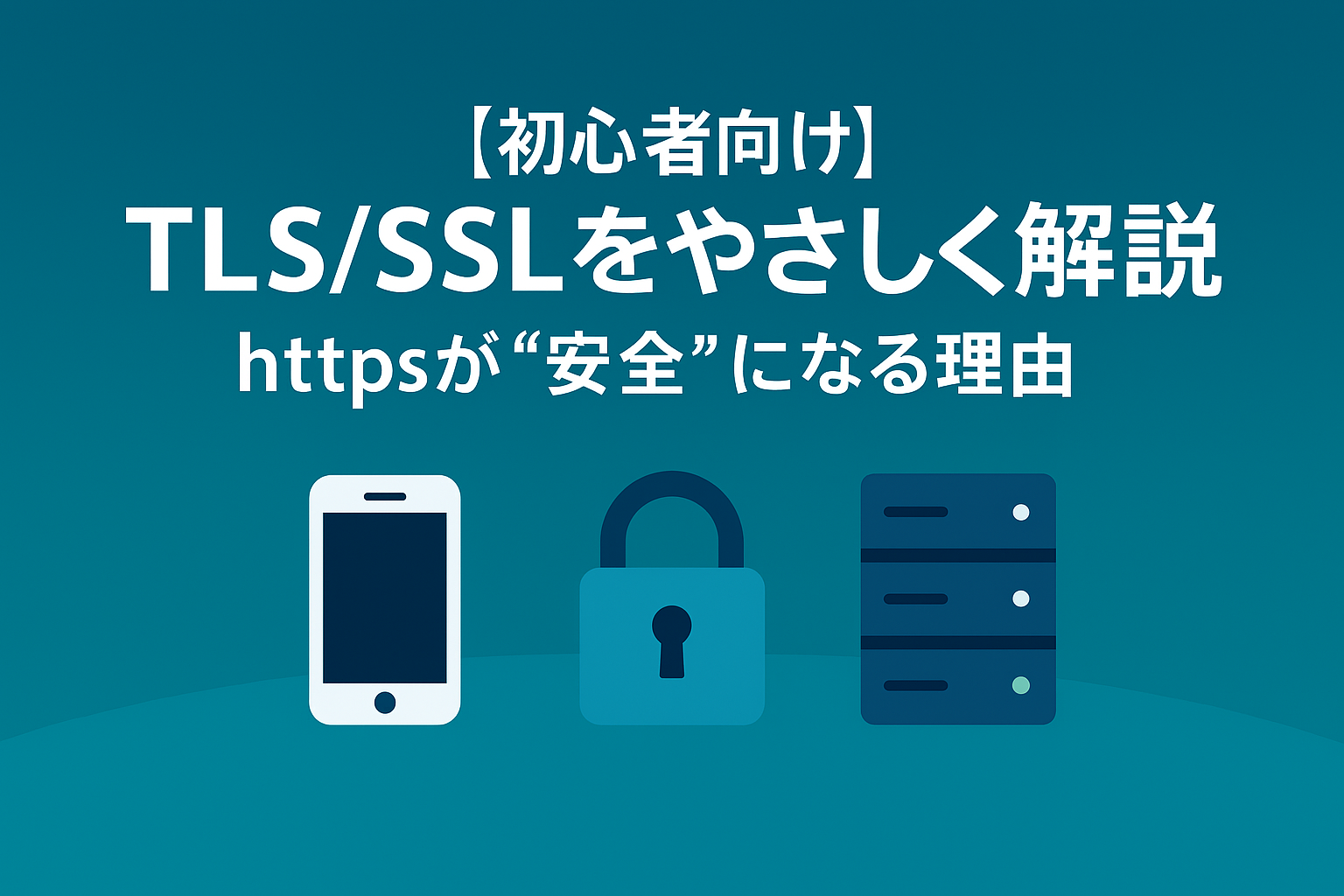
Coming Soon
- JWT (JSON Web Token) — a modern alternative to cookie–session login
- SameSite & Secure Attributes — essential for safe cookie handling
- Browser Storage (LocalStorage / SessionStorage) — alternatives to cookies
🎯 Summary
- Cookies = small notes stored in your browser
- Sessions = your personal locker on the server
- Cookies store the session ID (key)
- Together they keep you logged in and preserve your data
- Security settings are crucial to protect session IDs
- Understanding HTTP, HTTPS, and JWT will deepen your knowledge