🚀 Introduction
What you’ll learn in this article:
- What CORS actually is (and what it is not)
- Why browsers suddenly say “Blocked by CORS policy”
- What scary error messages really mean—in plain English
✅ What Is CORS?
Cross‑Origin Resource Sharing (CORS) Explained
CORS (Cross‑Origin Resource Sharing) is a browser security rule that answers one simple question:
“Is this website allowed to talk to that other website?”
Your browser checks this automatically every time JavaScript tries to access a resource from a different origin.
What Exactly Is an “Origin”?
An origin is defined by three parts:
- Protocol (https)
- Domain (example.com)
- Port (:443)
If all three match, it’s the same origin.
If any differ, it’s a cross‑origin request.
Examples:
https://example.comhttps://api.example.com❌ different domainhttp://example.com❌ different protocol
🔐 Why Does CORS Exist?
CORS has one primary goal:
✅ Protect users from malicious websites stealing private data
Analogy: Your Mailbox
Imagine your browser is your house.
- Family members → trusted origins
- Strangers → unknown origins
✅ Family can enter
❌ Strangers must be verified
CORS is that automatic identity check.
What If CORS Didn’t Exist?
Without CORS:
- Malicious sites could:
- Read bank data
- Steal login sessions
- Access private user info
- Opening a “harmless” tab could compromise another site
👉 The web would be dangerously insecure.
🔐 CORS exists to protect users—not to make developers miserable.
⚠️ When Do CORS Errors Appear?
Common beginner scenarios:
- JavaScript calling an external API
localhost:3000accessing a production API- Requests from Cloudflare Pages, Vercel, GitHub Pages
- This message in the console:
Access to fetch at '<https://api.example.com>'
from origin '<https://example.com>' has been blocked by CORS policy
😱 Looks scary—but it only means:
👉 “This origin isn’t allowed.”
💡 Common Myths & Useful Facts
1️⃣ The Server Is NOT Angry at You
CORS errors are not server errors.
👉 The browser blocks the request, not the API.
- Server‑to‑server → allowed
- Browser → blocked
2️⃣ “It Works in Postman!”
Yes—and that’s normal.
📝 CORS is enforced only by browsers
Tools like Postman, curl, or backend services ignore CORS completely.
3️⃣ CORS Doesn’t Block Everything
Servers can explicitly allow:
- Specific origins
- Certain HTTP methods (GET, POST)
- Certain headers
This control is done via HTTP response headers.
📚 Trusted References
MDN Web Docs (official & beginner‑friendly)
https://developer.mozilla.org/en-US/docs/Web/HTTP/CORSWikipedia (overview)
https://en.wikipedia.org/wiki/Cross-origin_resource_sharingW3C Specification (authoritative)
https://www.w3.org/TR/cors/
🛠 Topics to Learn Next
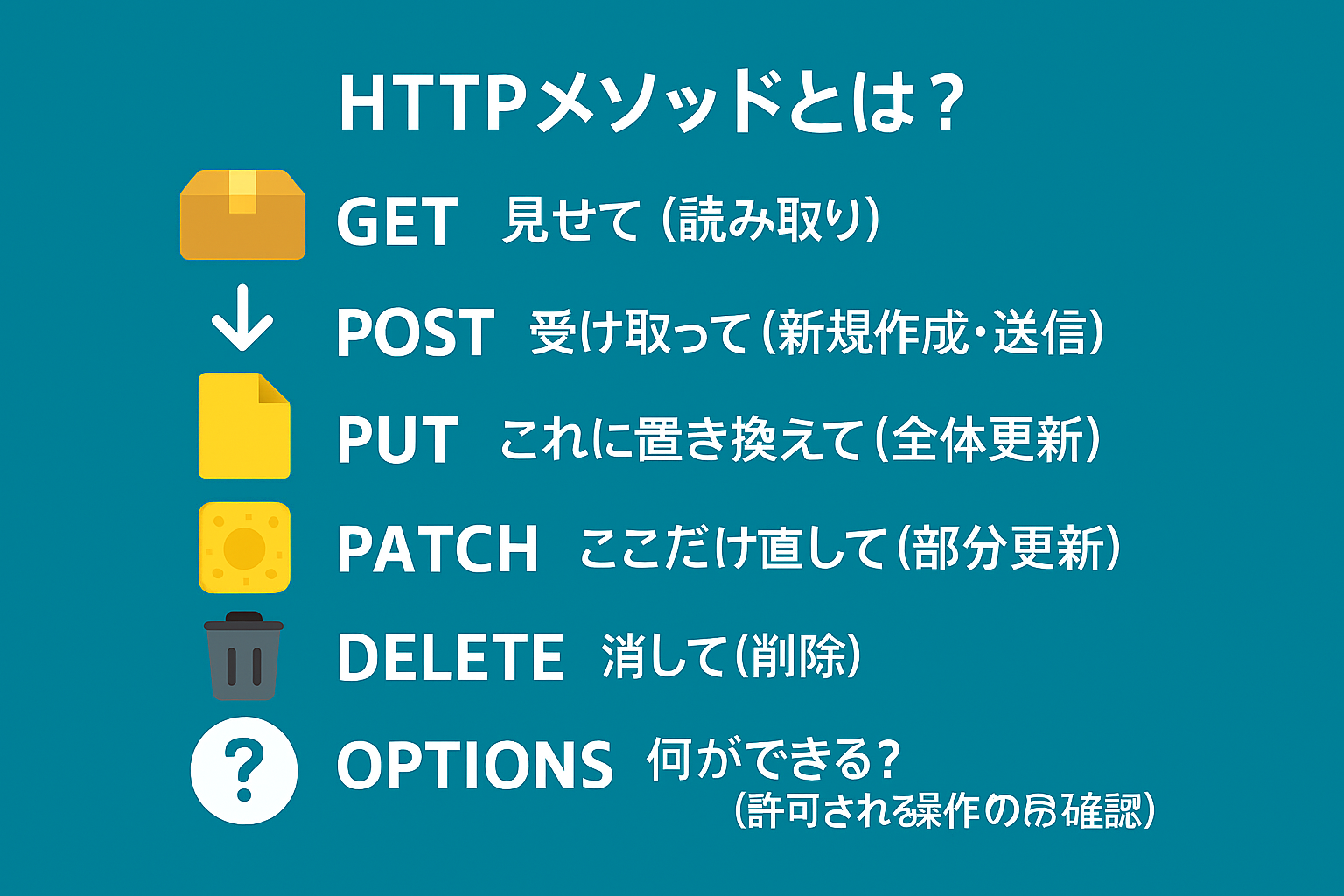
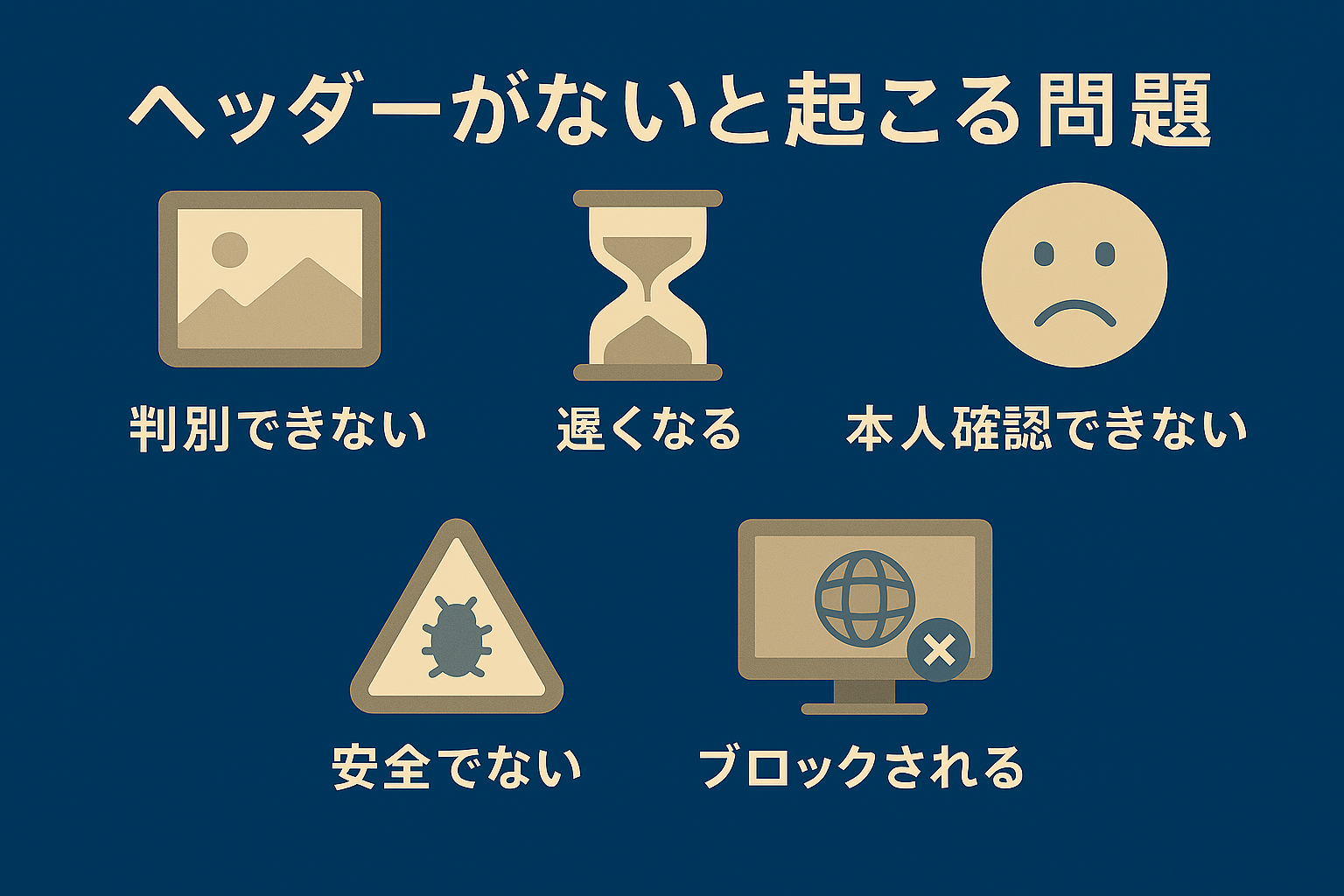
HTTP Basics
- GET vs POST
- HTTP headers
Coming Soon
Coming Soon
Browser Security
- Same‑Origin Policy
API Design
- Frontend vs Backend responsibility
CORS Configuration
- Cloudflare Workers / Pages
- API Gateway setups
🎯 Final Takeaways
- ✅ CORS blocks dangerous cross‑site requests
- ✅ Different origins are checked automatically
- ✅ Errors mean security is doing its job
- ✅ Scary red text ≠ failure
- ✅ Getting stuck on CORS is completely normal