🚀 Introduction
This article explains:
- What managed services actually mean
- Why they are widely used in modern cloud computing
- How they differ from fully self-managed setups
- Why beginners should choose them first
If the cloud feels complex or intimidating, managed services provide the safest and easiest entry point.
✅ What Is a Managed Service?
A managed service is a cloud service where the provider takes care of tasks that you would normally need to handle yourself.
In simple terms:
Managed services mean you don’t have to manage the infrastructure yourself.
When running servers on your own, you typically need to manage:
- Initial server setup
- Security configurations and patches
- Hardware failures
- Software updates
- 24/7 monitoring
With managed services, the cloud provider handles all of this for you.
🎯 Why Do Managed Services Exist?
The reason is straightforward:
- ✅ Reduce technical complexity
- ✅ Prevent human errors
- ✅ Let teams focus on core goals
For example:
- You want to write blog posts, but server configuration blocks you
- You want to build an app, but maintenance consumes all your time
Managed services remove this non-essential operational burden.
🧠 What Happens Without Managed Services?
Imagine building a bike from parts instead of buying a finished one:
- Miss a bolt → accident
- Poor brake adjustment → danger
- Skip maintenance → breakdown
IT infrastructure works the same way:
- Security misconfigurations
- Forgotten updates
- Late failure detection
These problems are especially common for beginners.
Using a managed service is like buying an electric bicycle —
you only need to learn how to ride it.
🧩 Common Beginner Use Cases
Managed services are commonly used for:
- 📝 Blogs & Websites
- Managed databases and hosting
- 📱 Backend for Mobile Apps
- Monitoring and auto-scaling handled automatically
- 🏫 Schools and Small Organizations
- Stable, secure operation without IT specialists
- 🛒 Small Online Stores
- Reduced downtime and operational risk
On platforms like AWS, Azure, and Google Cloud,
using managed services is the modern default — especially for beginners.
✅ Pros and Cons of Managed Services
✅ Pros
- No server or OS management required
- Lower risk of security mistakes
- Faster development and deployment
- Built-in monitoring, backups, and scaling
- Widely used by professionals and enterprises
⚠️ Cons
- Less low-level control
- Potential vendor lock-in
- Costs may increase at very large scale
💡 Why Managed Services Became the Standard
From Old Beliefs to Modern Practice
In the past, some believed:
“If you don’t manage servers, you’re not a real engineer.”
Today, the global standard is clear:
Not managing servers directly is safer and more reliable.
Professionals Use Managed Services the Most
Large companies, well-known services, and major games rely heavily on managed services because:
- ✅ Fewer human errors
- ✅ Higher automation
- ✅ 24/7 operational stability
- ✅ Stronger security defaults
Managed services are not just beginner tools — they are professional infrastructure.
Is Flexibility Really Limited?
This is a common misconception:
- ❌ “You can’t customize anything”
- ❌ “You won’t learn technical skills”
In reality:
Start managed first, then move to manual control if needed.
Managed services support step-by-step learning, not shortcuts.
📚 References & Official Resources
Official Documentation
AWS Managed Services
https://aws.amazon.com/managed-services/Microsoft Azure Architecture Guide
https://learn.microsoft.com/azure/architecture/guide/Google Cloud Overview
https://cloud.google.com/docs/overview
Additional Reading
- Wikipedia: Managed Services
https://en.wikipedia.org/wiki/Managed_services
🧭 What to Learn Next
These topics will make cloud usage even easier:
- What Is Cloud Computing vs On-Premise?
Coming Soon
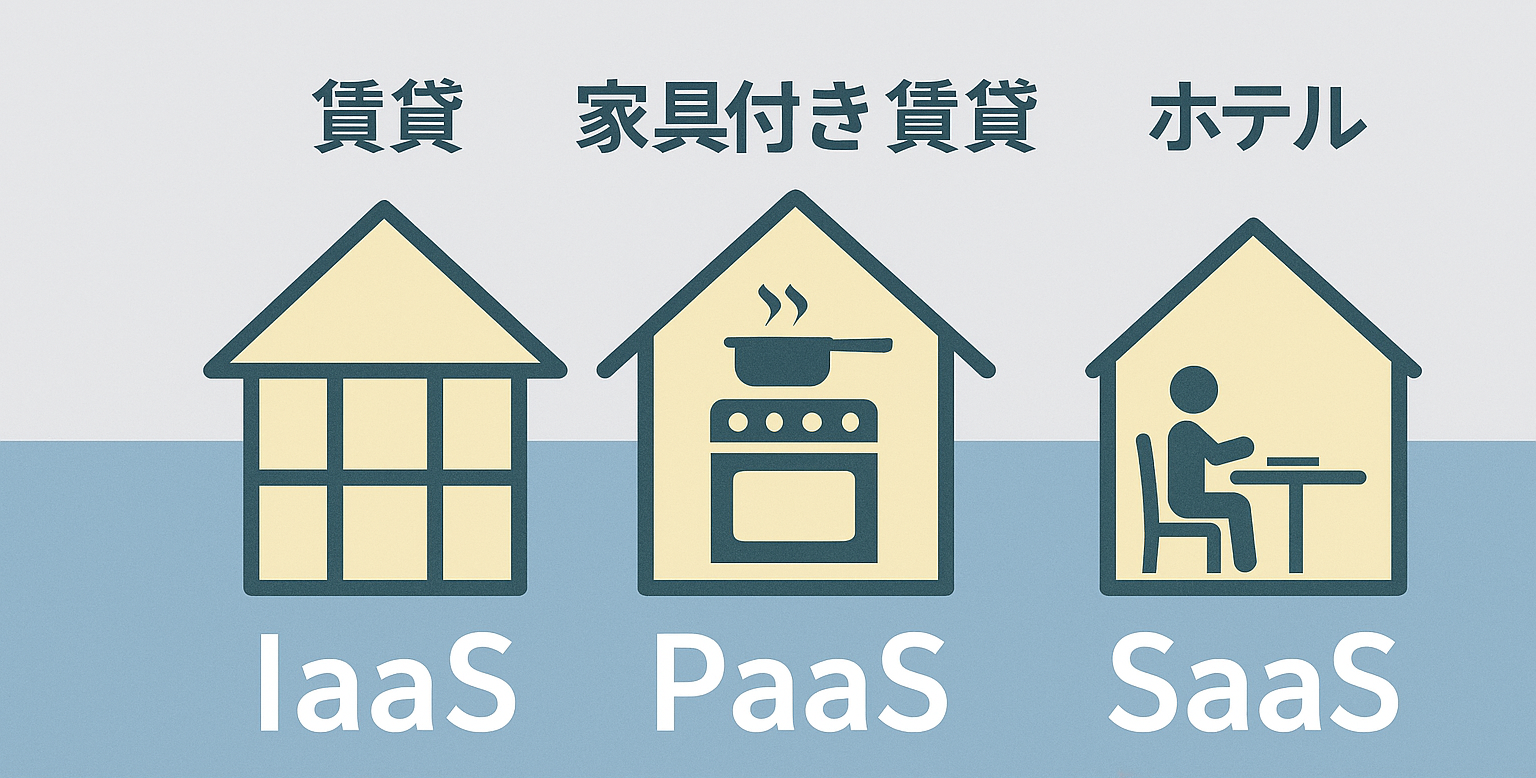
- IaaS vs PaaS vs SaaS Explained
Coming Soon
- Fully Managed vs Semi-Managed Services
- Static vs Dynamic Websites

Coming Soon
Coming Soon
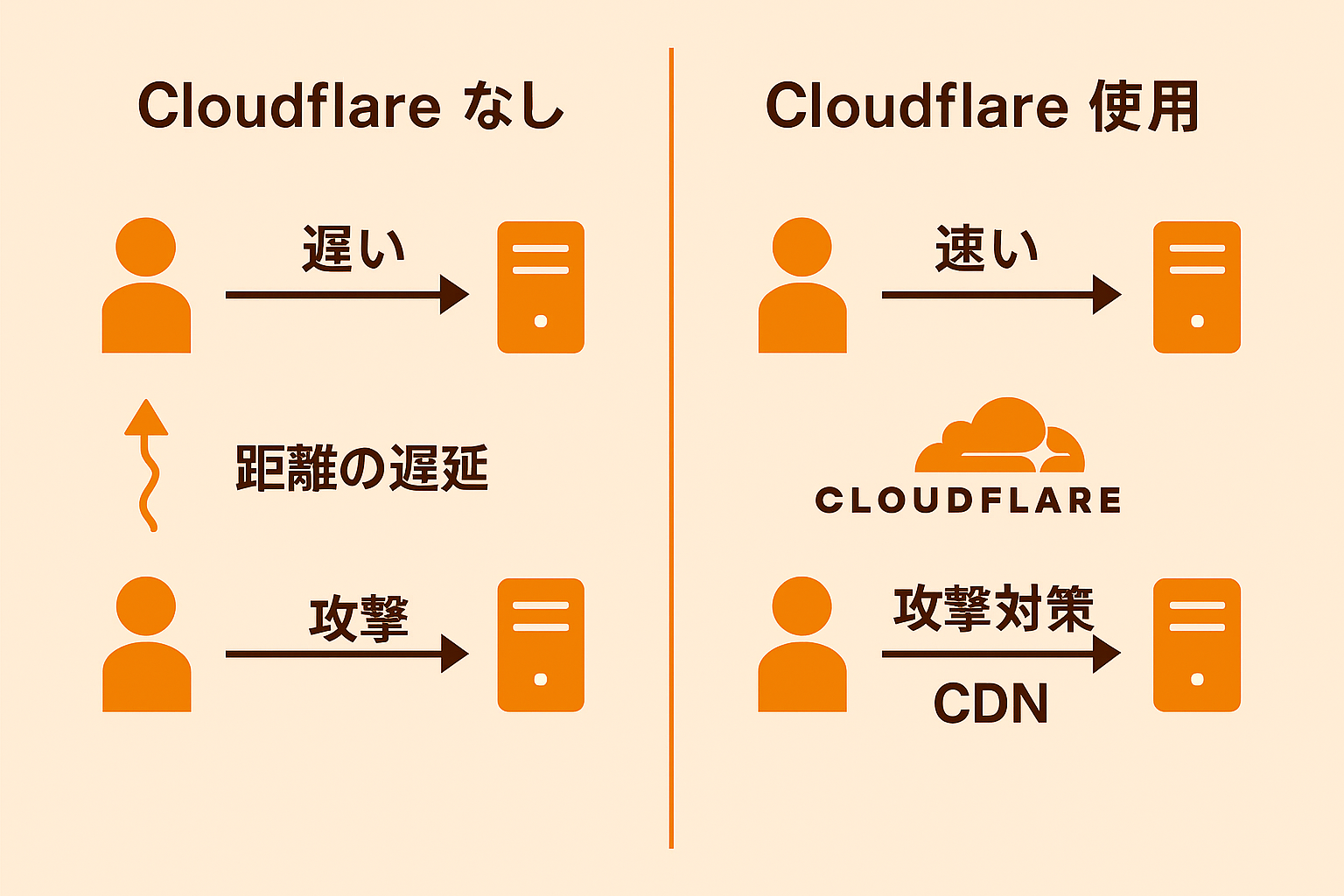
- Where Cloudflare, Firebase, and Supabase Fit
Coming Soon
✅ Final Takeaway (TL;DR)
- ✅ Managed services let providers handle infrastructure complexity
- ✅ Beginners benefit from safer and simpler cloud usage
- ✅ “Not doing it yourself” is a modern engineering decision
- ✅ Professionals rely on managed services daily
- ✅ The best first step into cloud computing