
🚀 Introduction
Caching is one of the most fundamental techniques that make the modern web fast.
If you’ve ever wondered:
- What exactly is a cache?
- Why does caching make websites load faster?
- Where does caching happen—browser, server, CDN?
- What happens if caching doesn’t exist?
This guide explains everything in simple, beginner‑friendly language.
✅ What Is Web Caching?
In short:
Caching is the practice of storing frequently used data close to the user so it can be reused quickly.
Think of it like keeping your textbook in your desk instead of walking to the school storage room every morning.
The closer the data is, the faster you can access it.
On the web, this applies to:
- Images
- CSS (styling rules)
- JavaScript (interactive behavior)
When these files are cached, your browser doesn’t need to download them again, resulting in dramatically faster page loads.
⚡ Why Caching Exists
Caching has two main goals:
- Speed up page loading
- Reduce server load and prevent congestion
Especially on mobile networks, caching can make the difference between a sluggish site and a smooth experience.
🐢 What Happens Without Caching?
Without caching, your browser must request every file every time:
- Browser: “Please send the image.”
- Server: “Here you go.”
- Browser: “Now send the CSS.”
- Server: “Here you go.”
- Browser: “Now the JavaScript.”
- Server: “Here you go.”
This happens on every visit, which means:
- Long distances = slower loading
- More users = more server strain
With caching, the browser can say:
- “I already have yesterday’s image.”
- “The CSS hasn’t changed—use the saved version.”
Result: instant loading.
🌍 Where Caching Happens
Caching exists at multiple layers of the web:
| Layer | Role | Examples |
|---|---|---|
| Browser (Chrome, Safari) | Stores files locally for fast reuse | Images, CSS, JS |
| CDN (Cloudflare, etc.) | Stores copies in global edge locations | Images, HTML |
| Server‑side cache | Saves pre‑generated results | WordPress page output |
| OS / CPU cache | Stores frequently accessed data in fast memory | CPU L1/L2 cache |
For web developers, the most impactful layers are browser caching and CDN caching.
💡 Useful Insights & Real‑World Examples
1) Caching Isn’t Cheating—It’s Optimization
Some beginners think caching is a “trick,” but it’s actually a core part of how the internet works.
Without caching, today’s web would be unbearably slow.
2) YouTube Works Smoothly Because of CDN Caching
YouTube videos are cached on servers around the world.
If every viewer had to fetch video data from the U.S. headquarters, playback would constantly buffer.
CDNs make global streaming possible.
3) Why Support Teams Say “Clear Your Cache”
You’ve probably heard:
“Please try clearing your browser cache.”
This is because outdated cached data can prevent new content from appearing.
Caching is powerful, but it sometimes holds onto old versions longer than expected.
4) Caches Have Expiration Dates
Caches don’t last forever.
Websites define how long data can be stored:
- 1 hour
- 1 day
- 1 week
When the “expiration date” passes, the browser fetches fresh data automatically.
📚 Recommended Resources
Official Documentation
- MDN Web Docs — HTTP Caching
https://developer.mozilla.org/ja/docs/Web/HTTP/Caching - Google Developers — Content Efficiency & Caching
https://developers.google.com/web/fundamentals/performance/optimizing-content-efficiency/http-caching - Cloudflare Learning Center — What Is Caching?
https://www.cloudflare.com/learning/cdn/what-is-caching/
Wikipedia
- Cache (Computing)
https://ja.wikipedia.org/wiki/キャッシュ
🛠️ Related Topics to Explore Next
If you understand caching, these topics will deepen your knowledge:
- CDN (Content Delivery Network)

Coming Soon
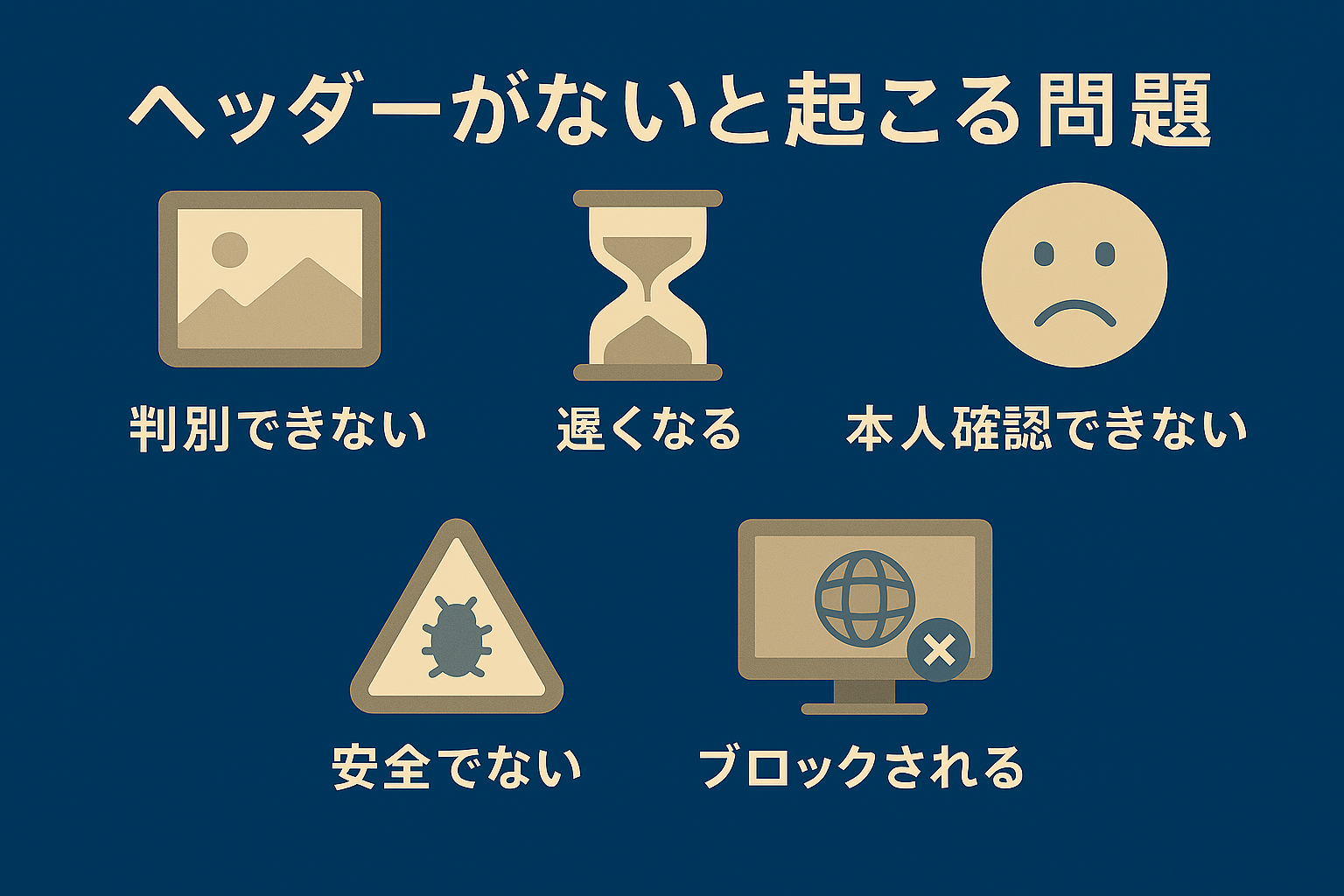
- HTTP Headers (Cache-Control / ETag)
Coming Soon
- Browser Rendering Pipeline
- Service Workers (Offline Caching for PWAs)
🎯 Summary
- Caching = storing frequently used data close to the user
- It makes websites much faster
- Caches exist in browsers, CDNs, servers, and even CPUs
- Without caching, every request must go back to the server
- Caches have expiration times to avoid outdated content
- Caching is essential for modern web performance