🚀 Introduction
What you’ll learn in this article
- What actually happens when you open a website
- What “request” and “response” really mean
- How web apps turn data into what you see on the screen
If web development ever felt like magic, this guide is here to demystify it.
✅ What Is the “Web Request Journey”?
Every time you visit a website, a small round trip happens:
Request → Response
The moment you type https://example.com and press Enter, a journey begins—one that happens in milliseconds but involves multiple systems working together.
Why Does the Web Work This Way?
On the web, nothing happens unless someone asks for it.
- You (via your browser) say:
“Please show me this page.” - The server replies:
“Here you go.”
This rule exists so that:
- Millions of users
- Around the world
- On different devices
Can use the same web safely and predictably.
What If Requests Didn’t Exist?
Without requests:
- Browsers wouldn’t know what to display
- Servers wouldn’t know what to send
- The web would be completely silent
👉 The web is a conversation, and requests start the conversation.
The Big Picture: The Request Journey at a Glance
Before diving into terminology, let’s focus on the flow:
- You enter a URL in your browser
- The browser sends a request (“Please give me this page”)
- The request travels through the internet
- It reaches a web server
- The server builds a response (“Here’s what you asked for”)
- The response travels back
- The browser assembles everything and renders the page
This entire loop happens every time a page loads.
A Simple Analogy: Think of It Like Mail 📮
- You → The sender
- Browser → The mailbox
- Internet → Delivery roads
- Server → The company receiving letters
You send a letter saying:
“Please send me your product catalog.”
The company replies with an envelope containing the catalog.
That’s the web—just much faster and automated.
How Web Apps Change the Story
With a basic (static) website:
- The server returns a pre-written file
With a web application, the server becomes smarter:
- It checks whether you’re logged in
- Fetches personalized data
- Builds content dynamically
Yet the rule remains unchanged:
Every action is still Request → Response
Dynamic behavior is just many small journeys happening rapidly.
💡 Fun Facts & Practical Insights
1) One Page = Many Requests
A single page load often triggers requests for:
- HTML
- CSS
- JavaScript
- Images
- Fonts
✅ One page can mean dozens or hundreds of requests.
2) Slow Websites Mean Long Journeys
Common reasons pages feel slow:
- The server is far away
- The network is congested
- The response data is heavy
That’s why technologies like CDNs, caching, and compression exist.
3) Developers Read the Journey Map
Engineers investigate:
- Where a request slowed down
- Where it failed
By analyzing request logs and traces.
Debugging is often just finding where the journey got lost.
📚 References
Official Documentation
MDN Web Docs – HTTP Overview
https://developer.mozilla.org/en-US/docs/Web/HTTPMDN – How the Web Works
https://developer.mozilla.org/en-US/docs/Learn/Getting_started_with_the_web/How_the_Web_works
Wikipedia
🛠️ What to Learn Next
- What Is HTTP?
The formal rules behind requests and responses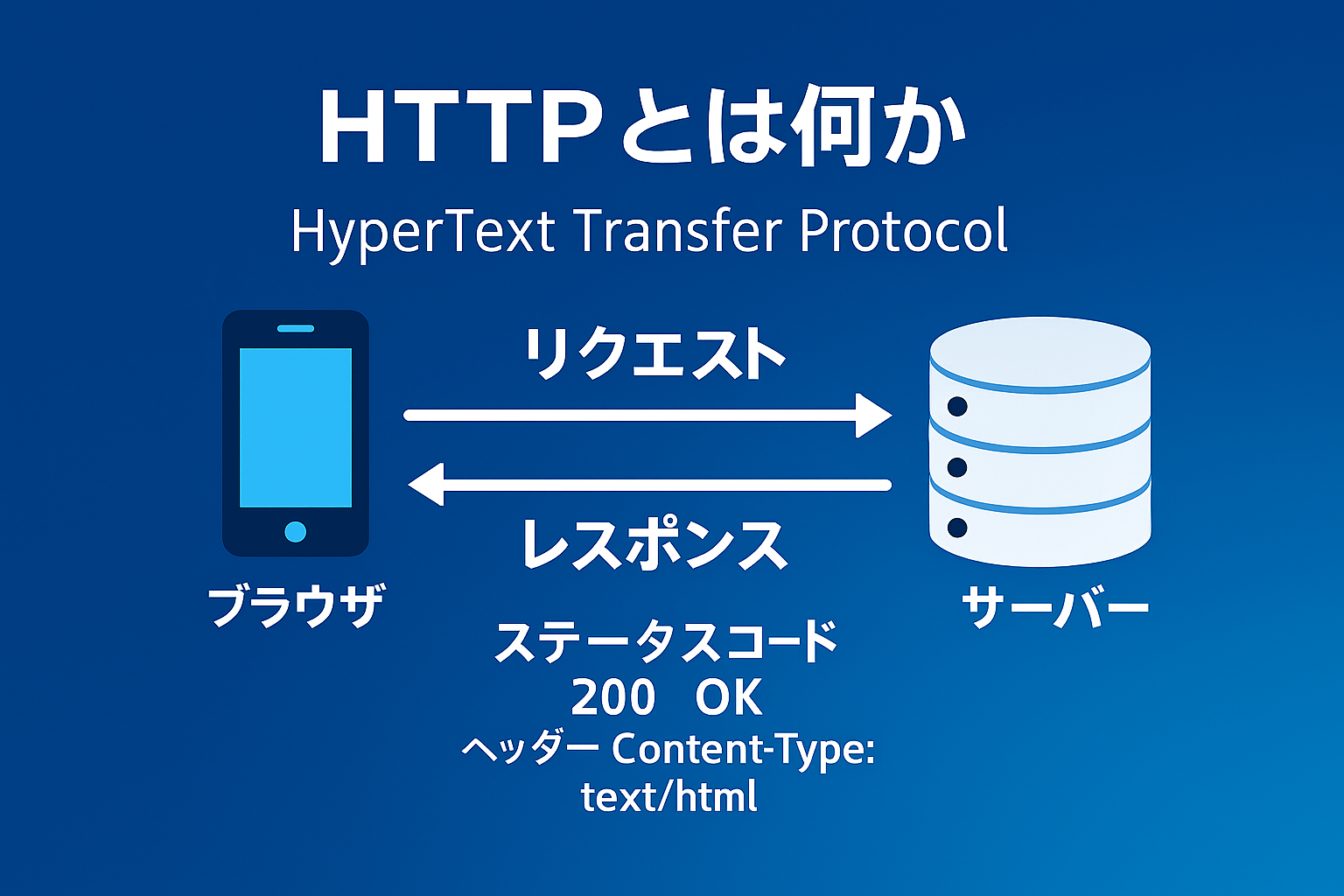
Coming Soon
- Understanding URLs
Whathttps://, domains, and paths really mean
Coming Soon
- What Browsers Actually Do
Why the same page looks different across browsers
Beginner’s Guide to How Browsers Work: What Really Happens Inside Chrome
- What Is a Server?
Physical machines, cloud systems, and roles
Coming Soon

Coming Soon
- Static vs Dynamic Websites
The foundation for understanding frameworks and Jamstack
Coming Soon

Coming Soon
🎯 Final Takeaways
- The web runs on request → response conversations
- Page loading is a round trip, not a magic trick
- Web apps follow the same rule, just more frequently
- Understanding this makes performance and errors less scary
- This knowledge is the foundation of all web development