CORS Explained for Beginners

CORS Explained for Beginners: Why Browsers Block Cross‑Origin Requests

🚀 Introduction What you’ll learn in this article: What CORS actually is (and what it is not) Why browsers suddenly say “Blocked by CORS policy” What scary error messages really mean—in plain English ✅ What Is CORS? Cross‑Origin Resource Sharing (CORS) Explained CORS (Cross‑Origin Resource Sharing) is a browser security rule that answers one simple question: “Is this website allowed to talk to that other website?” Your browser checks this automatically every time JavaScript tries to access a resource from a different origin. ...
Beginner’s Guide to How Browsers Work

Beginner’s Guide to How Browsers Work: What Really Happens Inside Chrome

🚀 Introduction Modern browsers like Chrome, Safari, Edge, and Firefox do far more than simply “show websites.” They translate raw web data into the interactive pages we use every day. In this guide, you’ll learn: What a browser actually does How a page is rendered from HTML/CSS/JavaScript What happens inside Chrome when you open a URL Why browsers are essential for safe and stable web browsing This article is written for beginners—no prior technical knowledge required. ...

Beginner Guide to Web Caching

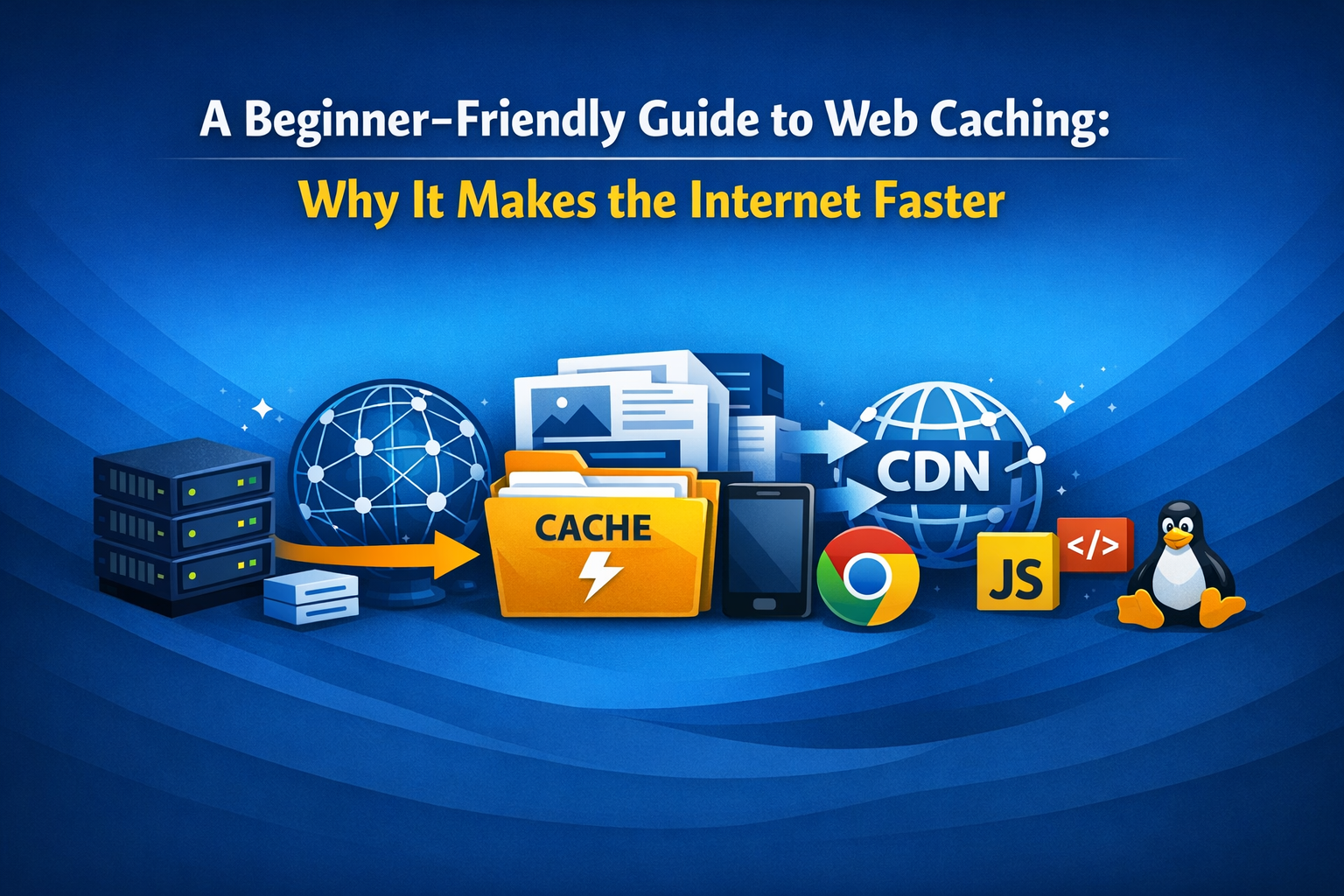
A Beginner‑Friendly Guide to Web Caching: Why It Makes the Internet Faster

🚀 Introduction Caching is one of the most fundamental techniques that make the modern web fast. If you’ve ever wondered: What exactly is a cache? Why does caching make websites load faster? Where does caching happen—browser, server, CDN? What happens if caching doesn’t exist? This guide explains everything in simple, beginner‑friendly language. ✅ What Is Web Caching? In short: Caching is the practice of storing frequently used data close to the user so it can be reused quickly. ...